Micro Learn Online: SCORM Training Packages You Can Deploy to Your LMS
Most TVET providers already run a SCORM-capable LMS and still have gaps in their content library. Micro Learn Online offers ready-made SCORM 1.2 packages you can upload in minutes and pay for by the learner.
In short
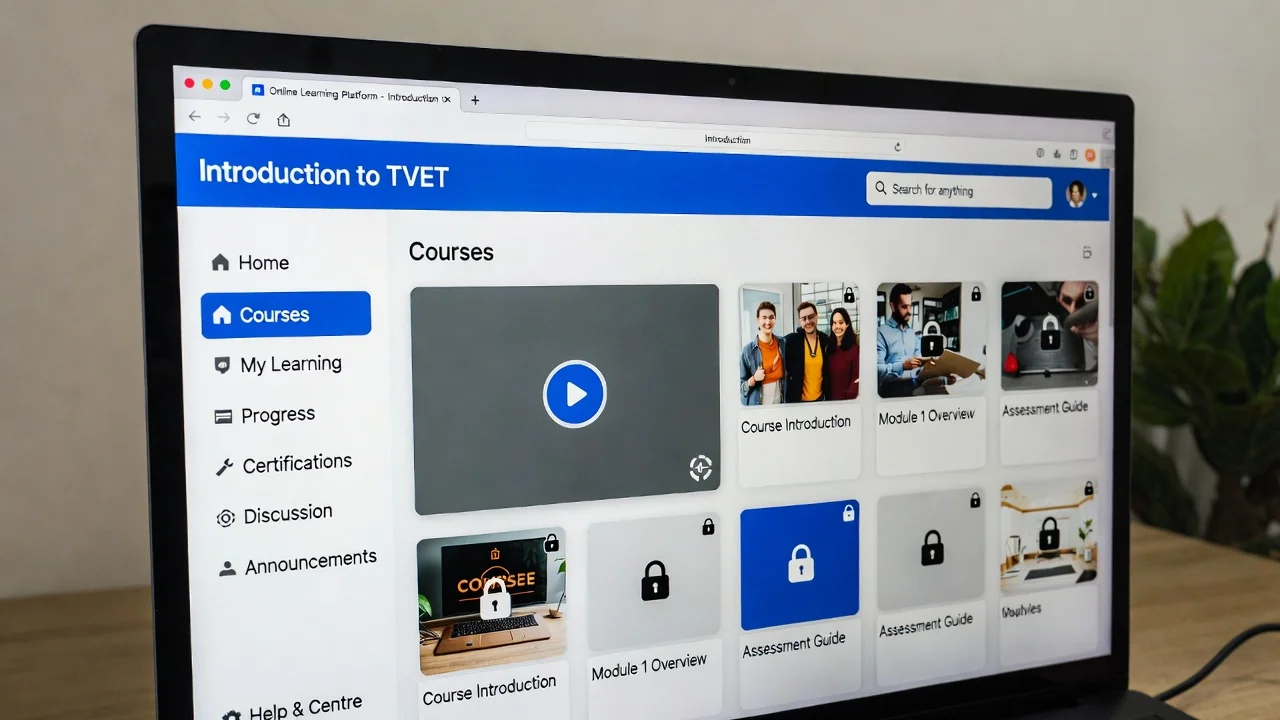
Micro Learn Online is a platform that licenses ready-made SCORM 1.2 training packages to organisations. You download a SCORM ZIP, upload it into Moodle, TalentLMS, Cornerstone or any other SCORM 1.2-compatible LMS, and learner activity is tracked automatically. Billing is usage-based — you pay a price per unique learner who launches a package in a billing period, rather than buying seat licences up front — which suits TVET providers with fluctuating cohort sizes.
Key takeaways
- SCORM 1.2 packages upload into any SCORM-compatible LMS in minutes
- Usage-based pricing per unique learner, with no seat licences to forecast
- Learner launches and progress are tracked automatically, no integration work
- Fills soft-skills and enrichment gaps without building content in-house
- Content is UK-based and covers leadership, HR, business skills and wellbeing
Almost every TVET provider now runs a learning management system of some kind. Whether it's Moodle, Canvas, TalentLMS, Cornerstone or something an awarding body bundled with a qualification, the platform is in place, the learners have logins, and the reporting works.
The gap is rarely the LMS. The gap is content.
Ask most training managers where the holes are and you'll get the same answer: the core vocational curriculum is well covered, because that's what the organisation exists to teach. It's everything around it that's thin — equality and diversity, wellbeing, time management, communication, the leadership and management units sitting alongside a technical programme. Content nobody has the time to build properly, and nobody wants to deliver as a slide deck read aloud in an induction session.
That's the problem Micro Learn Online is built for: professional SCORM 1.2 training packages that you license, download, and upload into the LMS you already run.
Why SCORM matters here
If you've spent any time near a TVET LMS, you'll have met SCORM. It's worth being precise about what it actually is, because it's the reason this approach works at all.
SCORM — Sharable Content Object Reference Model — is a set of technical standards that define how a piece of e-learning content is packaged and how it talks to an LMS. In practice it does two jobs:
- Packaging. A SCORM package is a ZIP file containing the content plus a manifest (
imsmanifest.xml) that tells the LMS what's inside and where to start. Any SCORM-compatible LMS knows how to read it. - Communication. Once launched, the content talks to the LMS through a defined JavaScript API — passing back the learner's identity, progress, completion status and, where relevant, a score.
The practical consequence is portability. Content built to SCORM 1.2 will run in Moodle, in Open edX with the right plugin, in TalentLMS, in Cornerstone, in Totara — without anyone writing an integration. That's unusual in education technology, and it's why SCORM has outlasted several attempts to replace it.
Version 1.2 is the oldest widely-used SCORM specification and, awkwardly for the standards bodies, still the most universally supported. SCORM 2004 added sequencing and more granular tracking; xAPI (Tin Can) went further again and moved tracking into a Learning Record Store. But if your priority is "this must work in whatever LMS the client is running", 1.2 remains the safest bet. We've covered the broader platform landscape in our comparison of learning management systems and our review of open-source LMS options for TVET institutions.
How it works in practice
The workflow is deliberately short:
- Get licensed. Your organisation gets an account and access to the packages you need.
- Download the SCORM ZIP. Each package is generated for your account, so tracking is tied to your licence.
- Upload to your LMS. In Moodle, that's adding a SCORM package activity and uploading the ZIP. Other platforms differ in wording but not in substance.
- Register your LMS domain. Packages are only permitted to load inside the domains you've registered, which stops a ZIP being passed around outside your organisation.
- Track learners. Launches, activity and completions are reported back automatically — no extra configuration, no integration project.
One design decision is worth flagging for anyone who has managed a content library over several years: the downloadable package is a thin stub. The ZIP contains the manifest and a launch page; the actual course content is served live. When a course is updated — a corrected figure, a new video, a legislative change — every copy already sitting in every client LMS picks up the update. Nobody has to re-download a ZIP, delete the old activity, re-upload, and then work out what happens to the learners who were mid-course.
If you've ever managed a folder of unit-3-final-v4-USE-THIS-ONE.zip files, you'll appreciate why that matters.
Paying for what you actually use
The commercial model is the other departure from convention, and it's the part most relevant to providers with unpredictable cohorts.
Conventional e-learning licensing sells seats: you buy 200 licences for the year, you use 130, and you've paid for 70 that nobody touched. For a college or independent training provider whose learner numbers swing with recruitment cycles, funding decisions and employer demand, forecasting that number accurately is close to impossible.
Micro Learn Online prices per learner instead. Packages carry a price per learner — currently £2–£3 depending on the package — and you're charged for the unique learners who actually launch a package within a billing period, which runs fortnightly. A learner who opens the same package five times counts once. A learner who never logs in costs nothing.
For a provider trialling new content, that changes the risk profile considerably. Putting a wellbeing package in front of one cohort to see whether it lands costs the price of that cohort, not the price of an annual site licence.
What's in the catalogue
The library is organised into folders covering business skills, human resources, leadership and management, marketing, and personal wellbeing. Current packages include:
| Area | Examples |
|---|---|
| Equality and diversity | Foundations of Equality and Diversity; Preventing Discrimination, Bullying and Harassment |
| Leadership and management | Understand Different Leadership Styles; Assess Own Leadership Qualities; Understand Performance Management |
| Performance management | Performance Management Models; Managing Underperformance; Providing Individual Feedback |
| Personal and professional development | Continuing Professional Development; Personal Development Plans; Time Management |
| Wellbeing | Foundations of Healthy Living; Social and Digital Wellbeing; Mental Strength and Emotional Skills |
| People and HR | Total Reward; HR and Sustainability; People Professionals and Artificial Intelligence |
Most packages include video, which matters for engagement — a point we've made before in our guide to building engaging e-learning videos.
Is it right for your provision?
Being straight about it: this is off-the-shelf content, and off-the-shelf content is not the answer to everything.
It won't teach your occupational specialism. It won't replace the workshop, the workplace observation, or the trainer who knows the standard inside out. If you're delivering a Level 3 engineering programme, nothing in a generic catalogue substitutes for your own curriculum — and you shouldn't want it to.
Where it earns its place is the supporting layer around that core: induction and mandatory topics, the soft-skills content employers keep asking for, enrichment for learners waiting on a gateway decision, and the leadership and management material that sits alongside technical delivery. Building that yourself is entirely possible — we've written about developing engaging e-learning content — but it takes design time most teams don't have spare, and it needs maintaining afterwards.
The honest test is straightforward: if you can list three topics your learners should cover that nobody in your team has had time to build, off-the-shelf SCORM is worth an hour of your attention.
FAQs
What is SCORM, and does my LMS support it?
SCORM is a technical standard for packaging e-learning content and reporting learner activity back to an LMS. Support is close to universal — Moodle, TalentLMS, Cornerstone, Totara, Open edX (with a plugin) and most commercial platforms handle SCORM 1.2. If you can add a "SCORM package" activity in your LMS, you're covered.
What's the difference between SCORM 1.2, SCORM 2004 and xAPI?
SCORM 1.2 is the oldest and most widely supported version, handling packaging plus basic progress and completion tracking. SCORM 2004 added sequencing rules and richer tracking. xAPI (Tin Can) moves beyond the LMS entirely, recording learning experiences to a Learning Record Store, including activity that happens offline or in the workplace. For maximum LMS compatibility, 1.2 is still the pragmatic choice.
How is Micro Learn Online billed?
Usage-based, per unique learner. Each package has a price per learner, and you are invoiced fortnightly for the distinct learners who launched each package during the period. There are no seat licences to purchase in advance.
Do I have to re-upload packages when content is updated?
No. The SCORM ZIP you upload is a thin stub that loads the live content, so updates reach every deployed copy without any action from your LMS administrator.
Can I use it alongside my own content?
Yes — the packages sit in your LMS as ordinary SCORM activities, so they can be dropped into an existing course structure, sequenced alongside your own materials, and reported on in the same way.
Browse the full library at micro-learn.online.
Keep reading
Why Every TVET Trainer Should Be Using AI (And How to Start Properly)
AI isn't replacing TVET trainers — it's replacing the blank page. Here's why trainers, assessors and tutors should be using AI properly, and how a new course built for the sector helps you start.
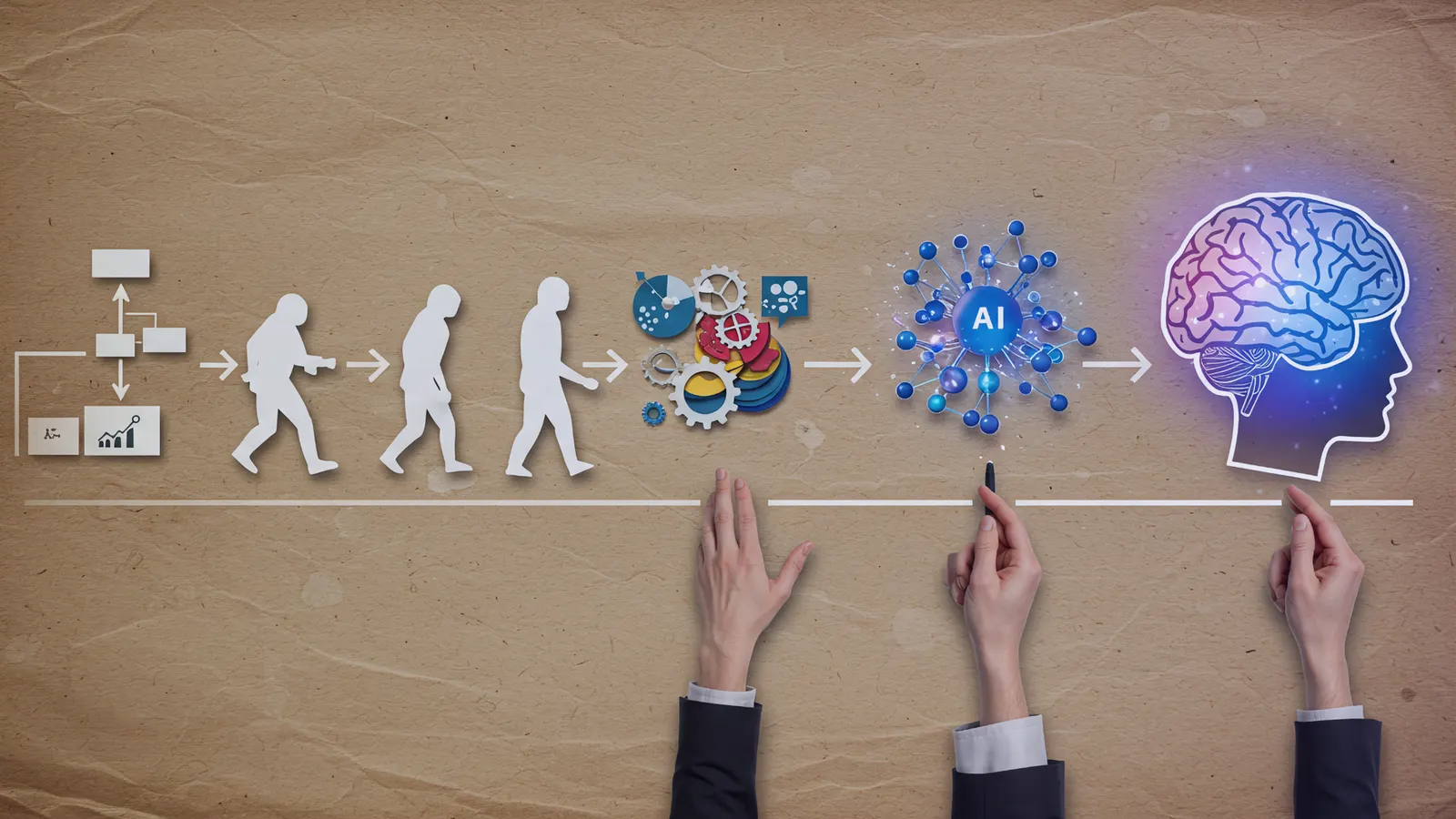
The Future of AI in TVET: Personalised Assessments and Skill Intelligence for 2026
Artificial intelligence is redefining how technical and vocational education assesses learners. By 2026, AI tutors, adaptive learning systems, and real-time skill intelligence will make personalised assessment the new global standard.
How AI is Revolutionising Assessment and Feedback in Education: Benefits, Challenges, and Future Trends
Artificial Intelligence is revolutionising assessment and feedback in TVET by providing personalised, immediate insights and automating routine tasks, enabling trainers to focus on creative teaching while preparing learners for dynamic industries through ethical, data-driven approaches.